


 Tackora
Apps for every day, for work and for play.
Tackora makes apps in three areas. Everyday: links and places saved from your phone, household deadlines, books and calendars. Work: shared boards for teamwork and tools for PDFs and images. Play: a game you steer with one finger and puzzles of light and colour. Start with the one you need today.

ritrovo.tackora.it

faro.tackora.it

trama.tackora.it

crocevia.tackora.it
Everyday
Home, family and free time, all in order.
Links and places saved from your phone, deadlines, books and calendars: apps to use every day, on your own or with your family, with the same Tackora Account.
Ritrovo
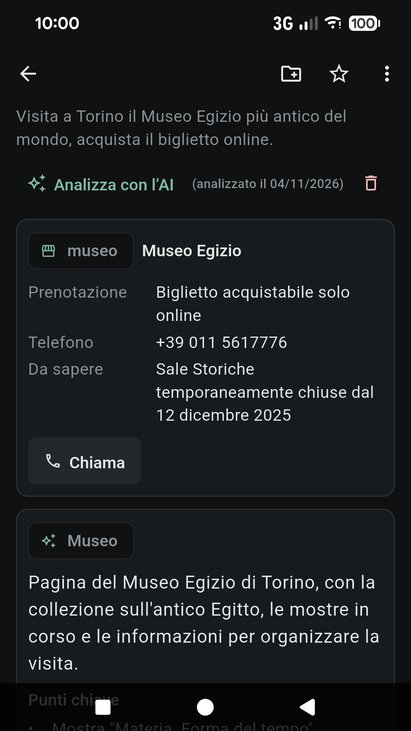
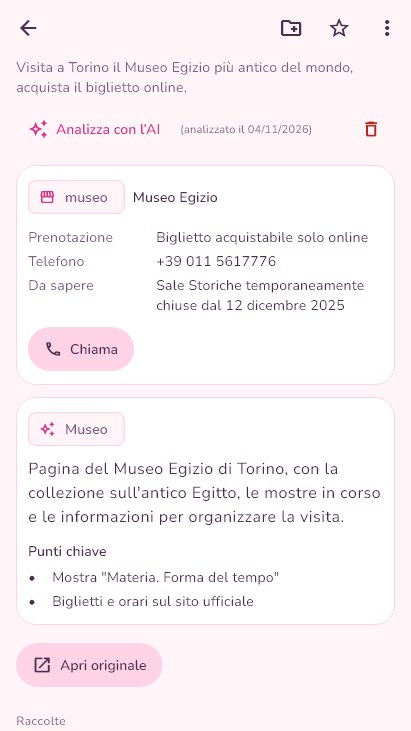
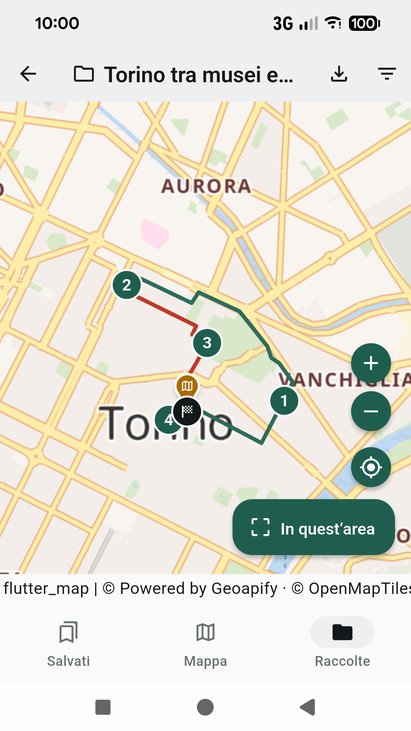
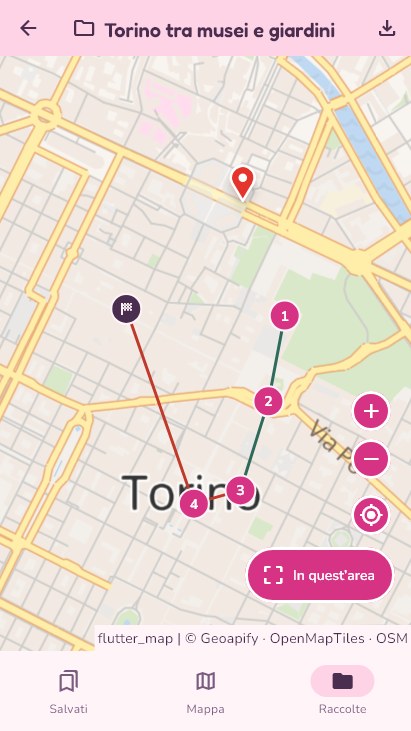
A reel with a restaurant, a recipe, an exhibition you can't miss: share it with Ritrovo and it takes care of the rest. AI reads the post and prepares the right card (opening hours, dates, ingredients, prices), puts the place on the map and files it in its category. When you're in the area, you find them all with one tap, or have a day trip planned for you.
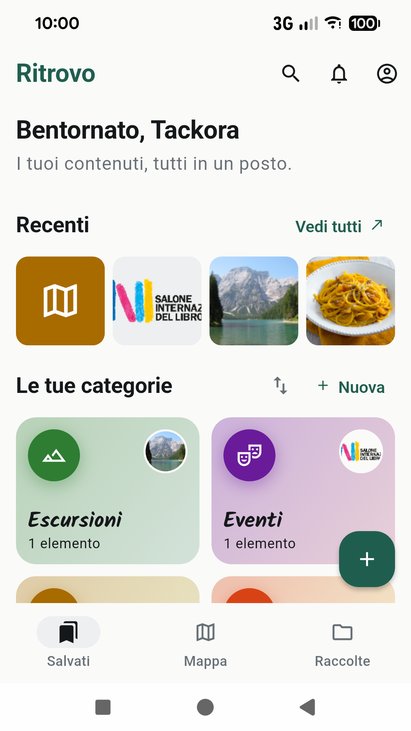
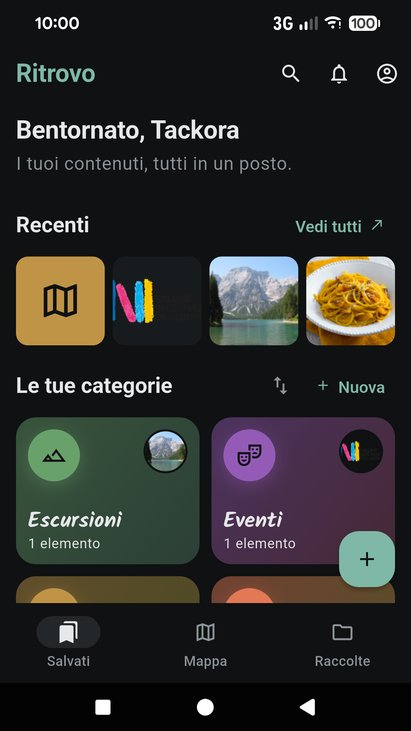
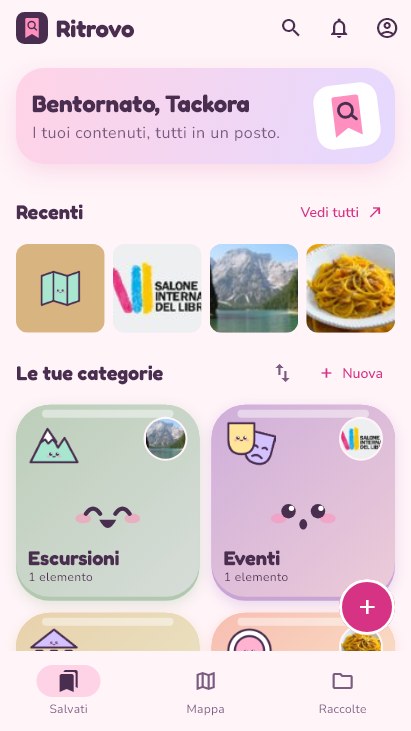
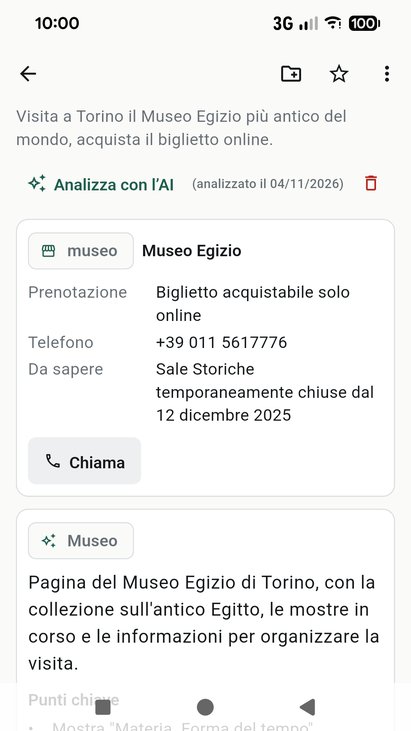
- Share from any app
- Instagram, TikTok, YouTube, the browser: tap Share and pick Ritrovo. It works offline too.
- AI reads for you
- It recognises recipes, events, venues and hikes, finds the place and suggests the category. You decide what to keep.
- Map, collections and trips
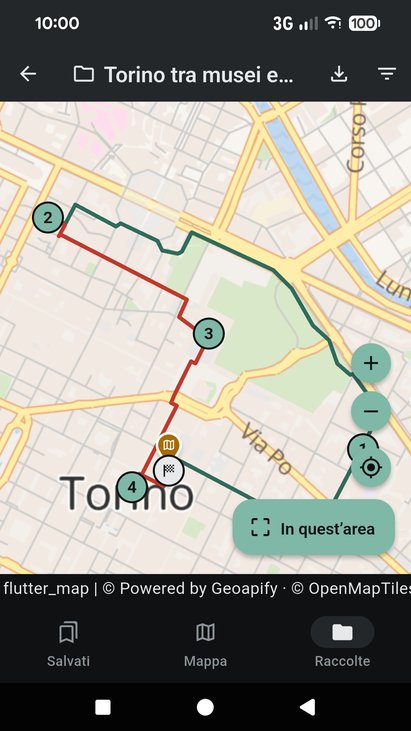
- All your saved places on the map, collections to share with the people you travel with, and trips planned on real routes.
Faro
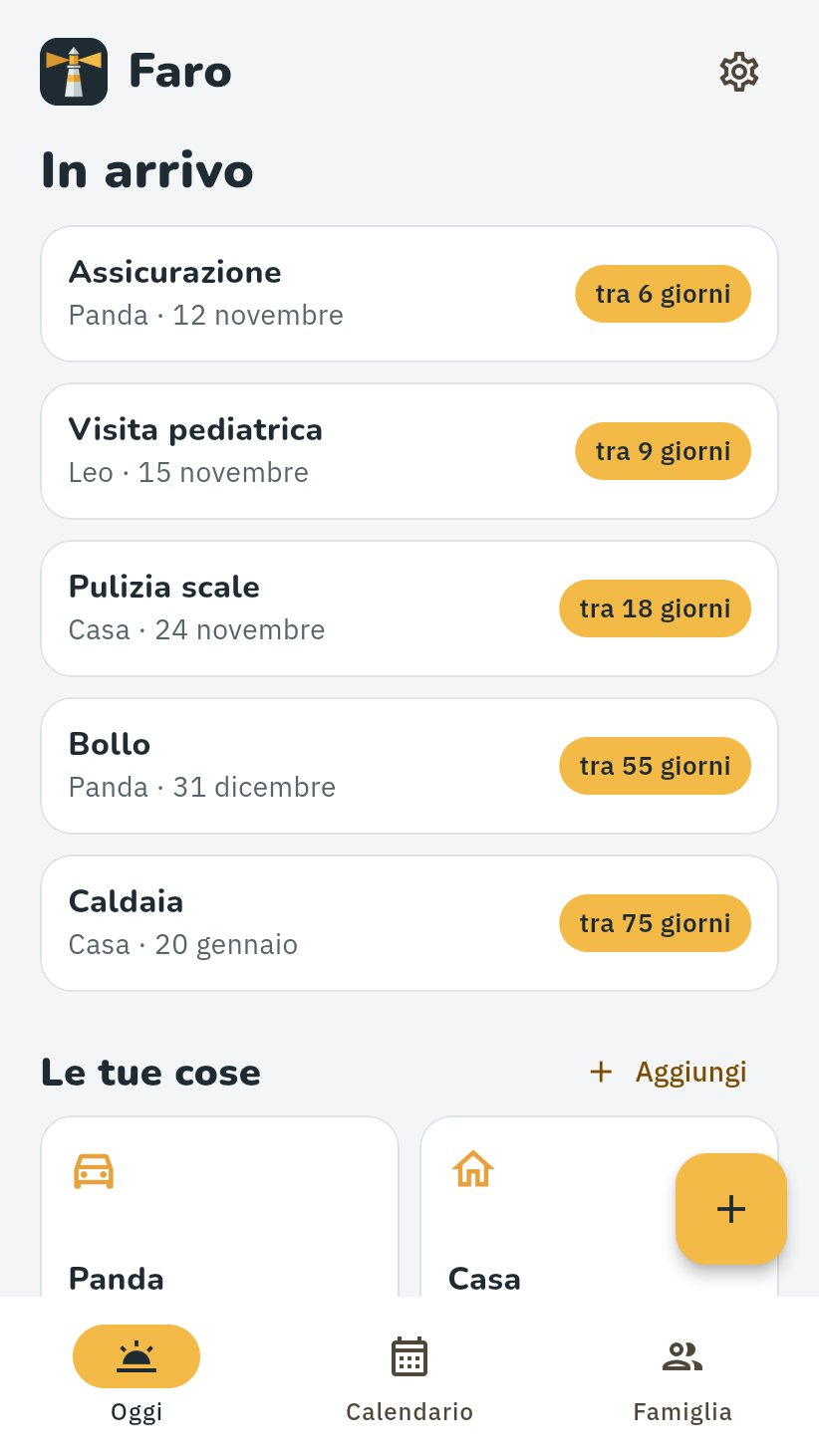
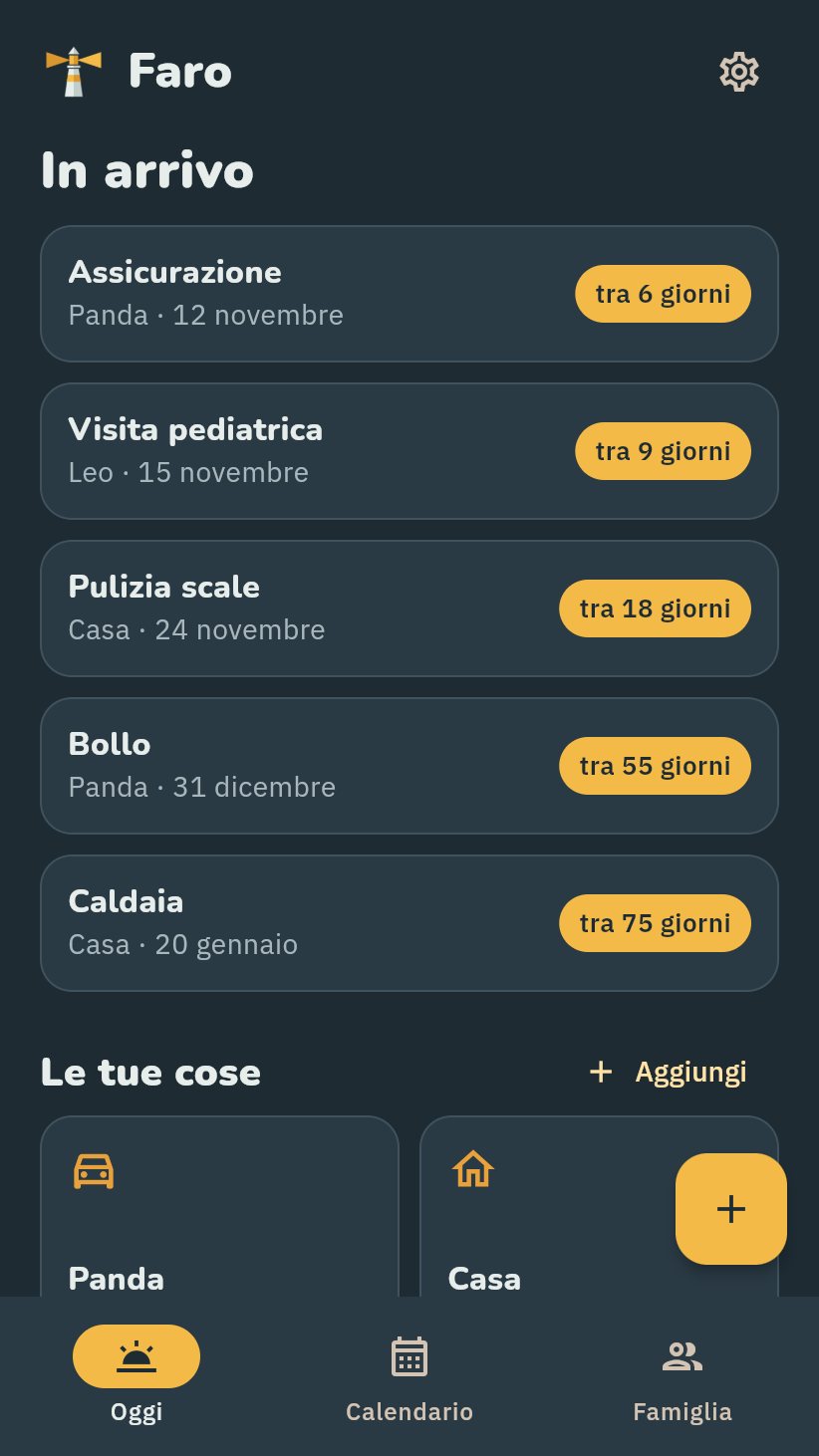
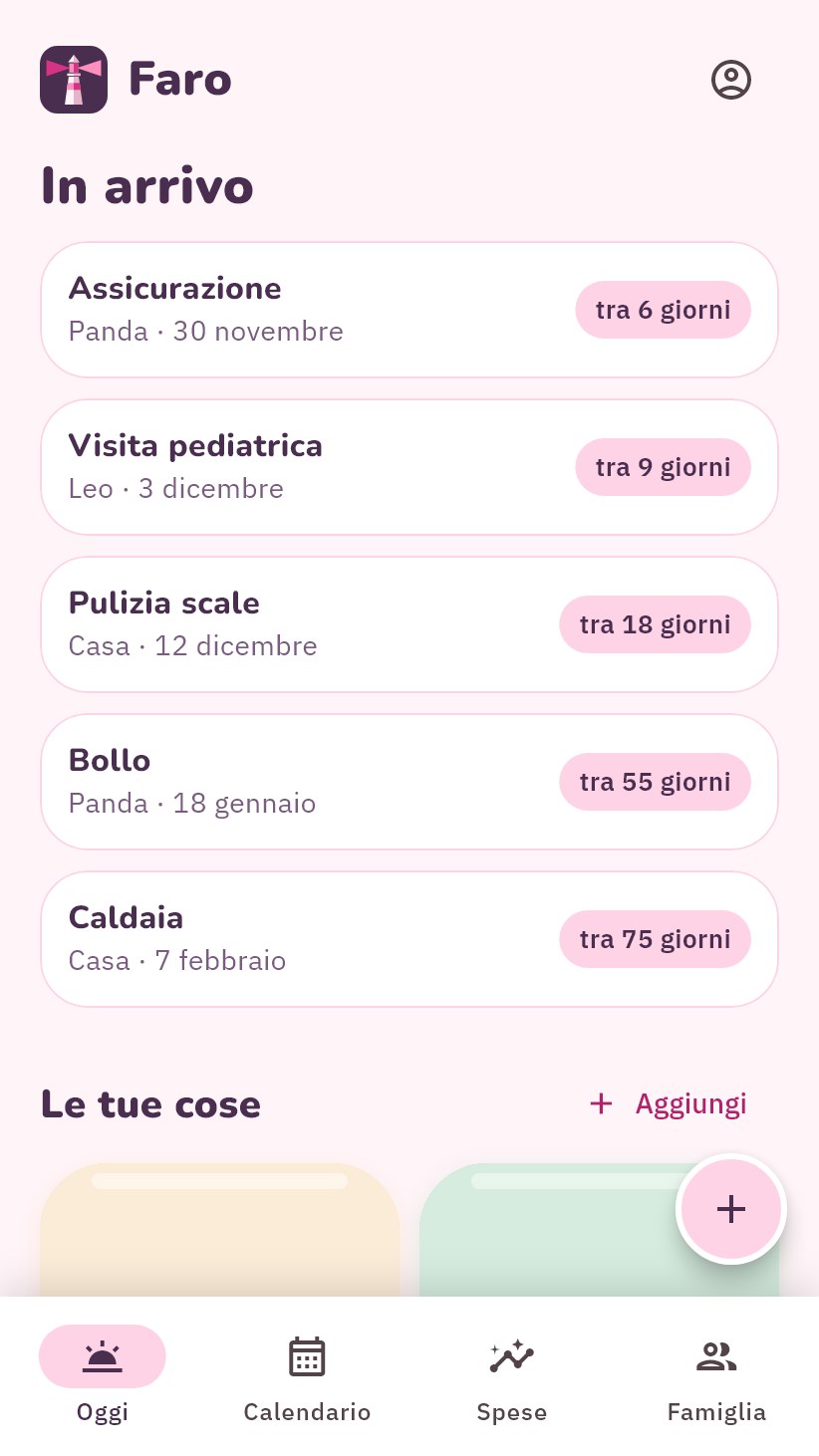
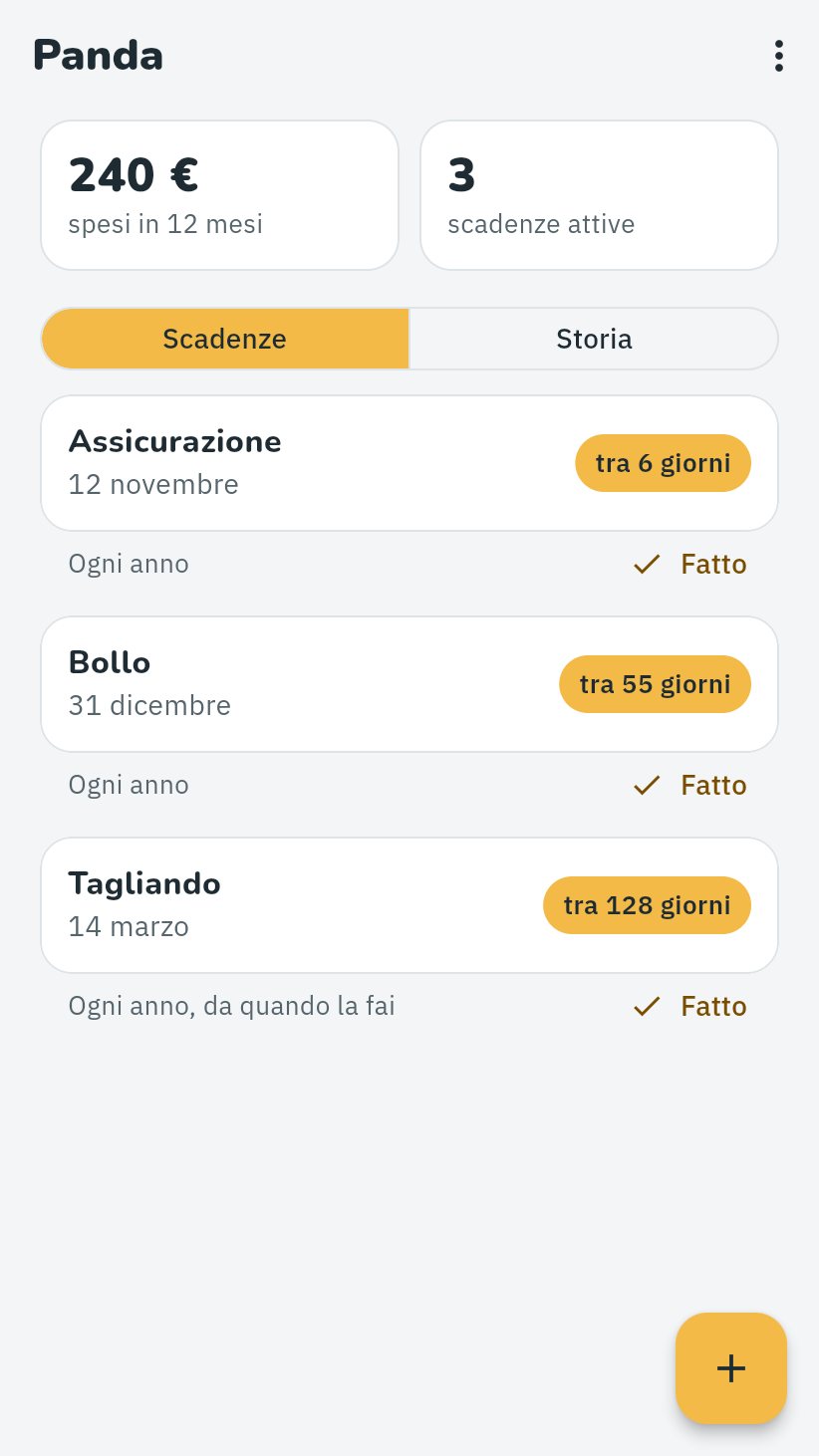
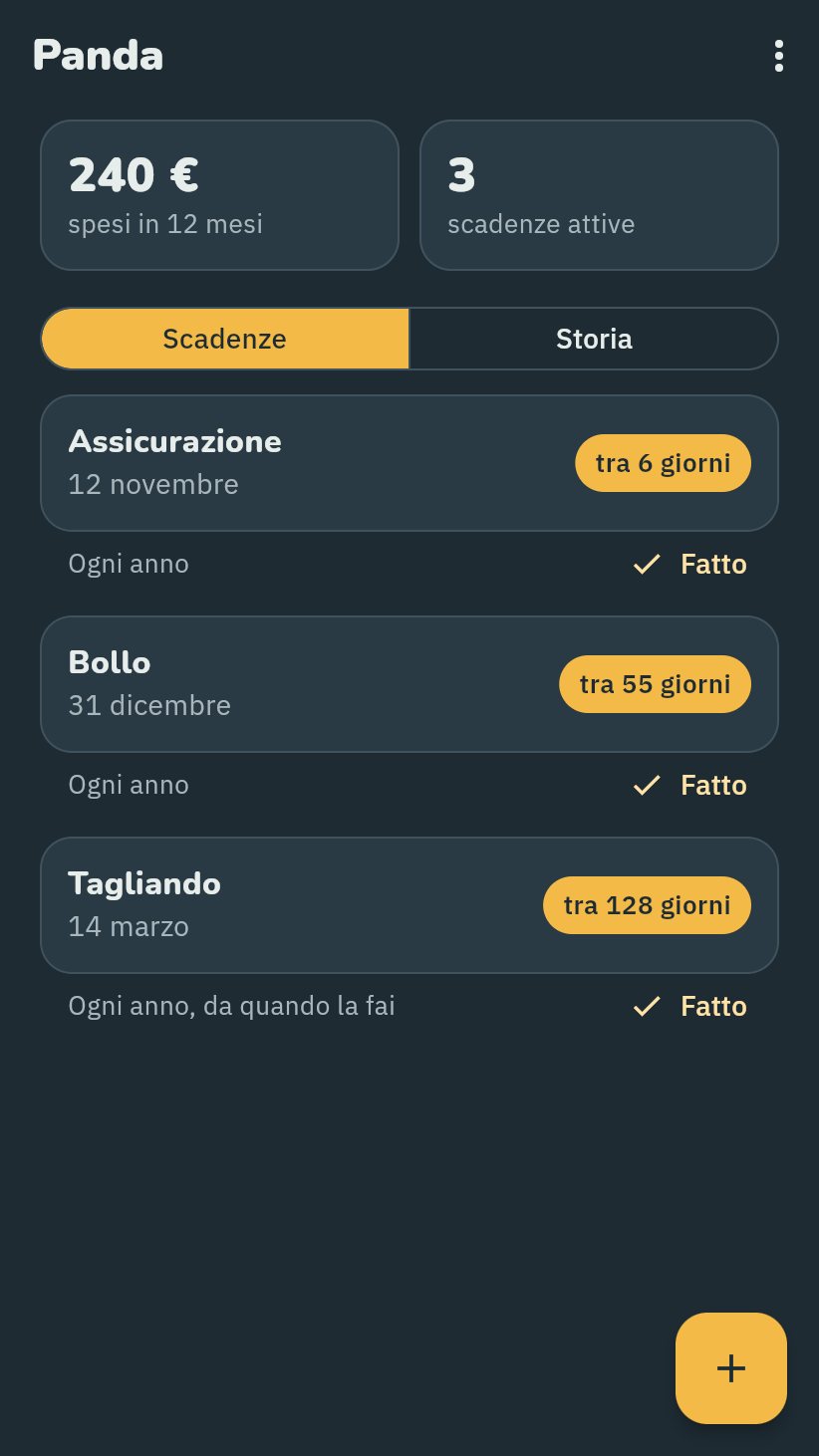
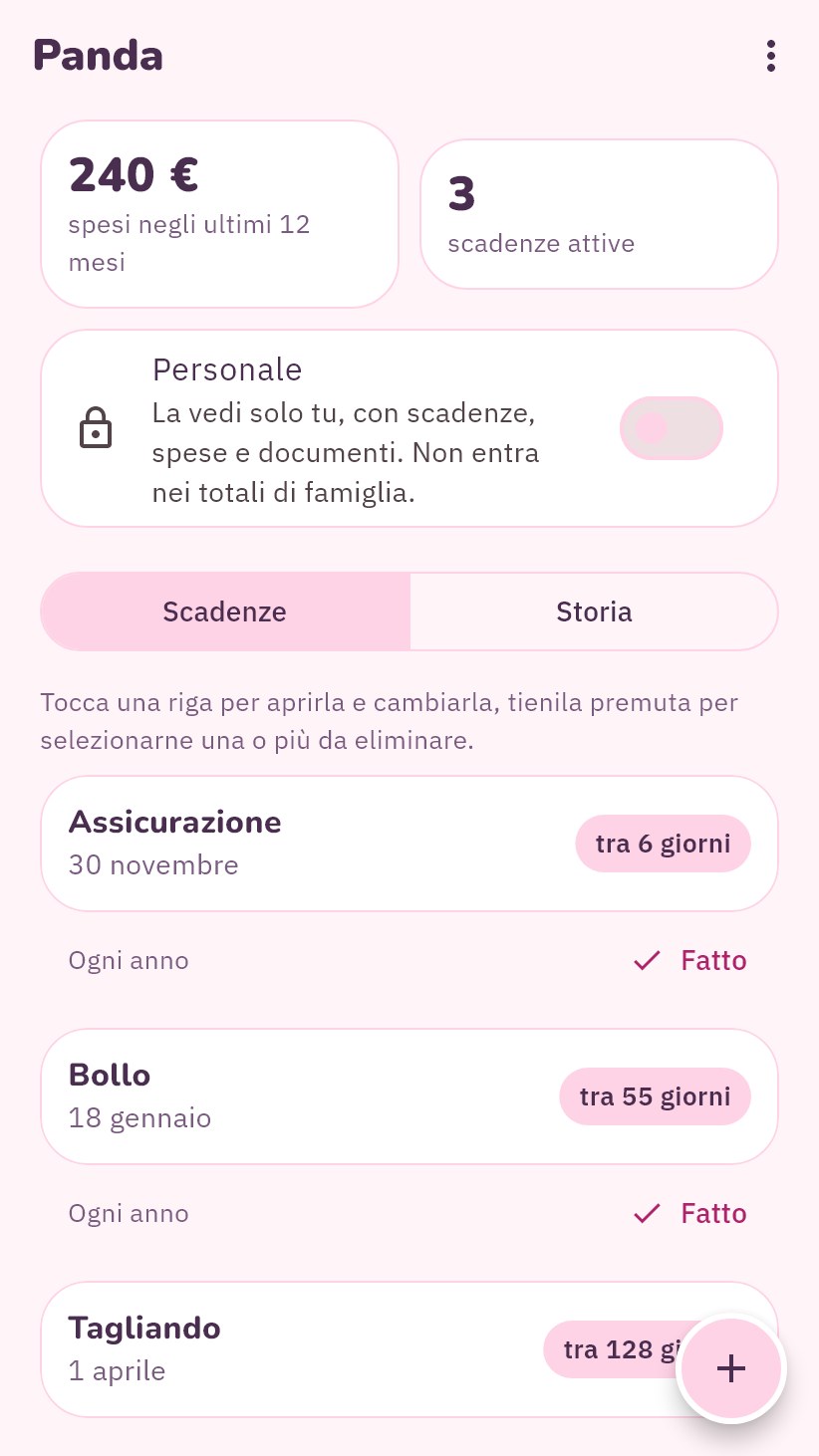
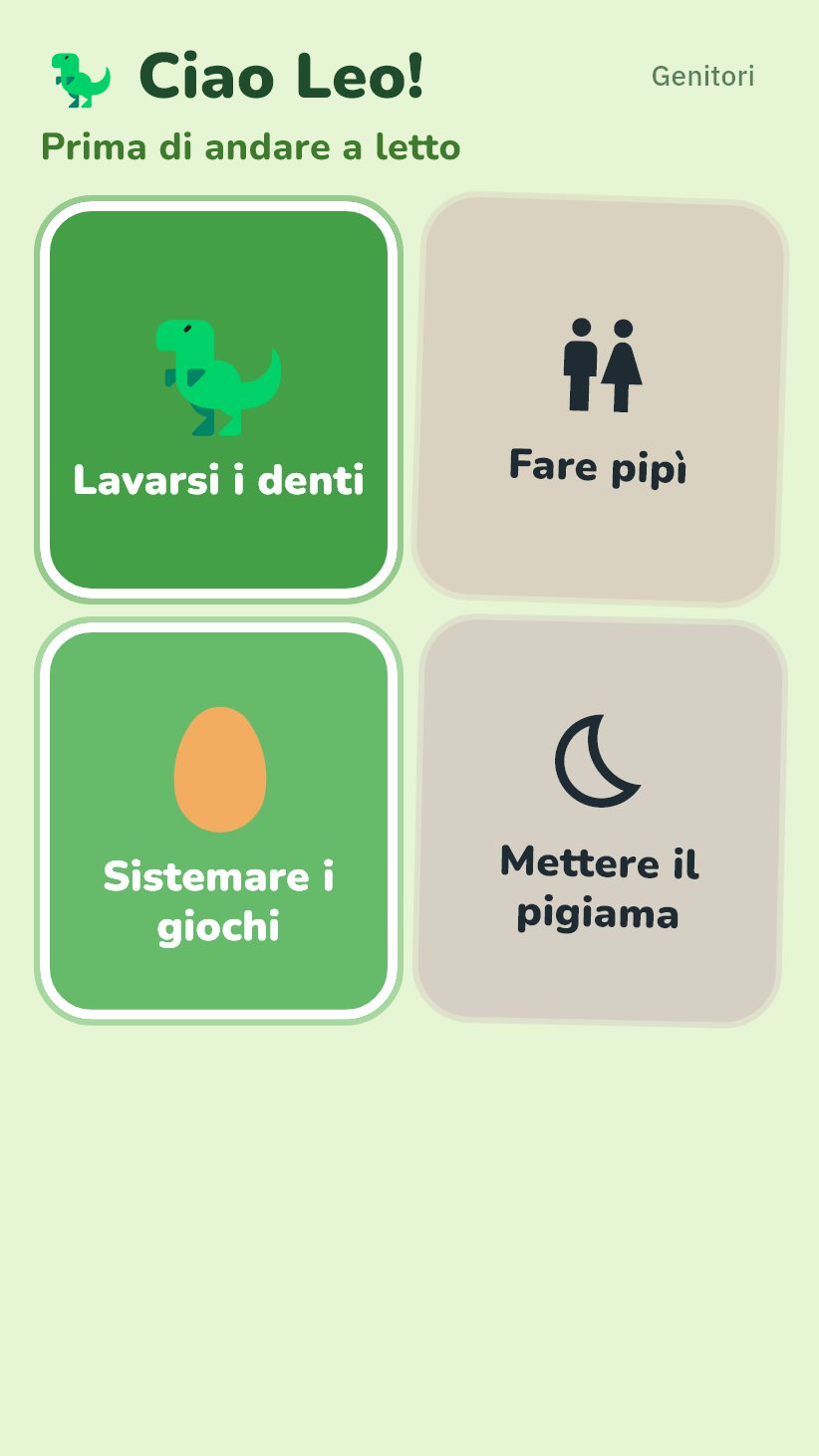
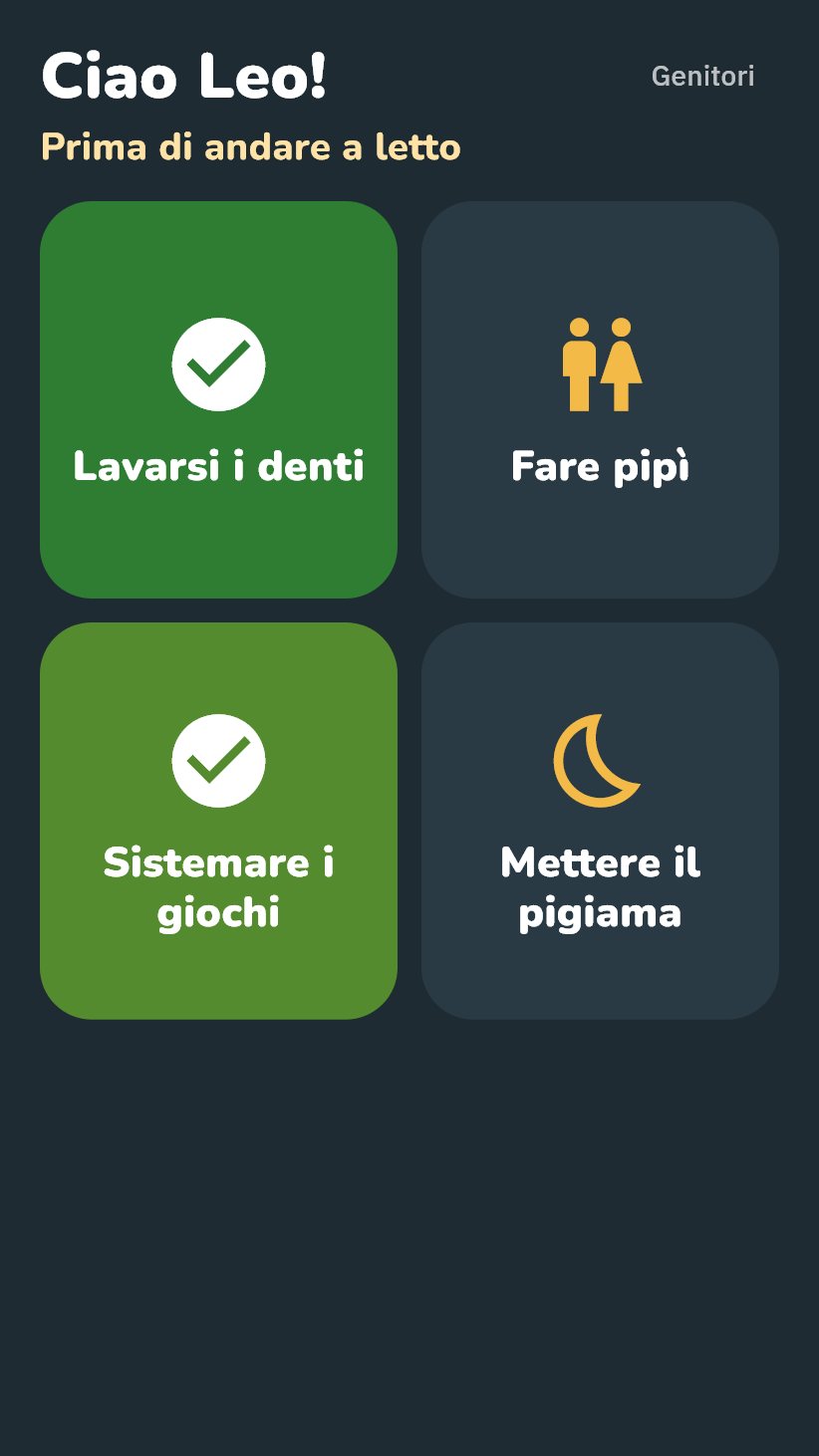
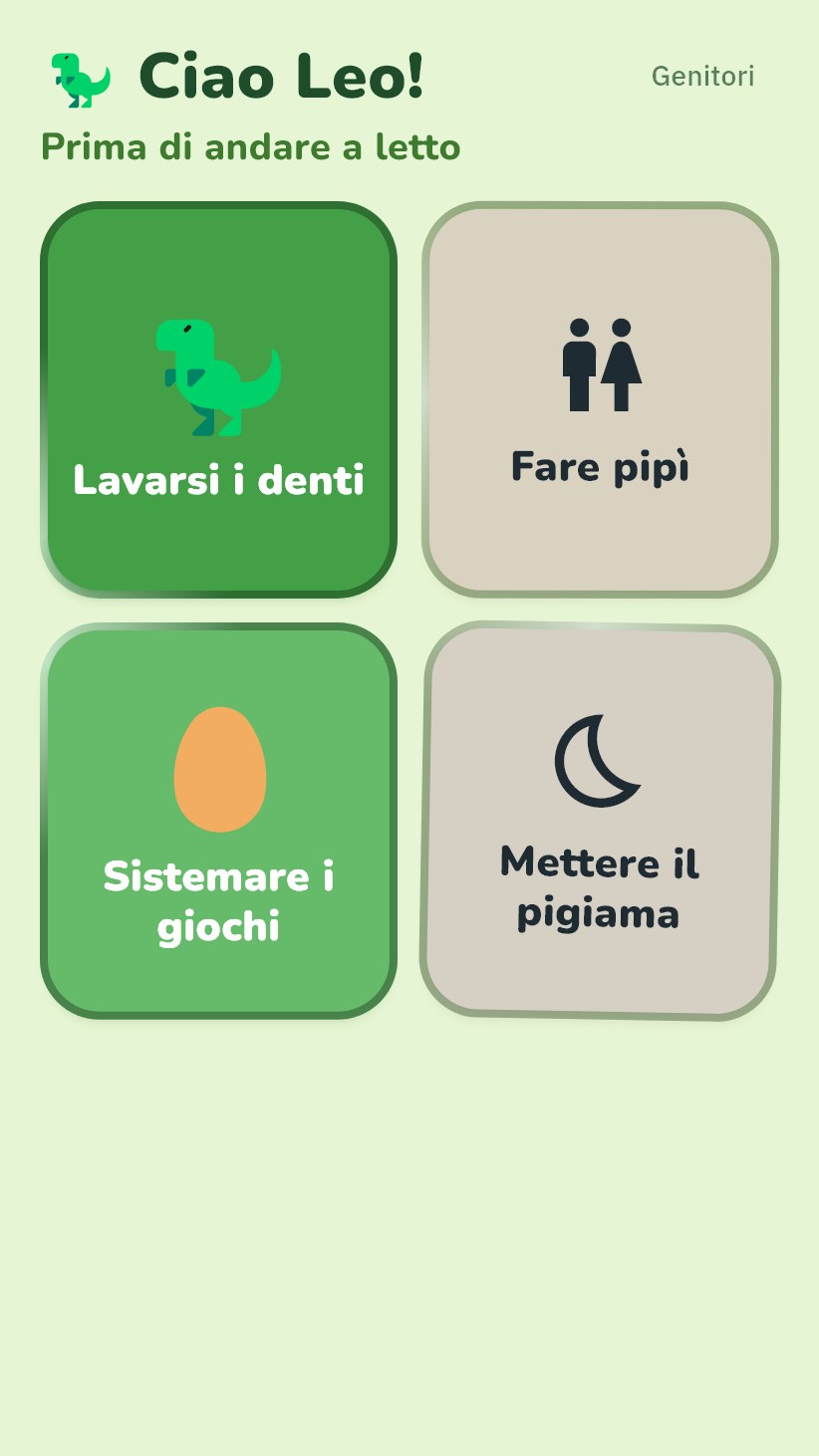
Car tax, insurance, boiler service, paediatrician visits: Faro reminds you before they're due and keeps them in order for the whole family. When you mark something “Done” it works out the next date by itself and keeps track of what you spent. Snap your receipts or add expenses by hand: Faro suggests the shop, total and category, you confirm, and it tells you how much the family spends and how much it will spend over the next 3 months. For kids there's a checklist with big boxes, themed with dinosaurs, tractors, unicorns or puppies, that starts fresh every day and ends with a party and, if you like, some music.
- Reminders when you want them
- Choose how many days ahead, with a phone notification or an email, and who in the family gets told.
- The whole family together
- With an invite link, everyone joins with their own Tackora account and sees the same things.
- The kid's checklist
- Brush your teeth, tidy up the toys: tap, tick, and celebrate at the end. Leaving it takes the parents' PIN.
Trama
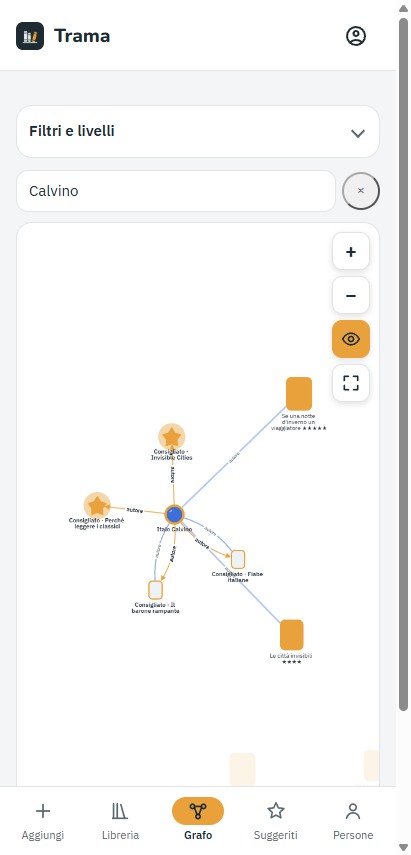
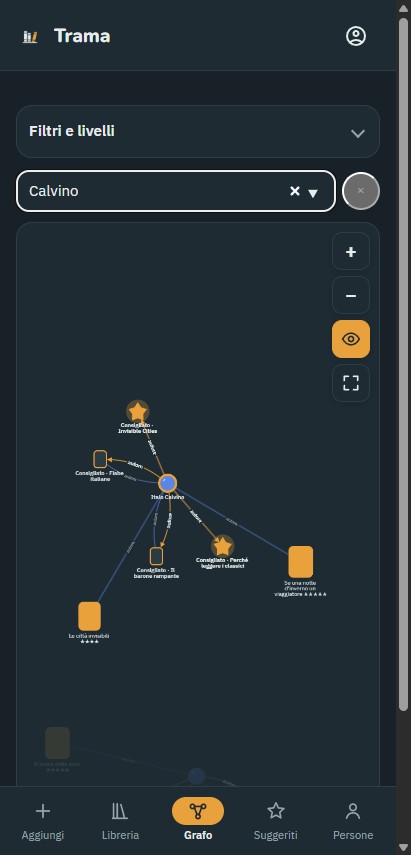
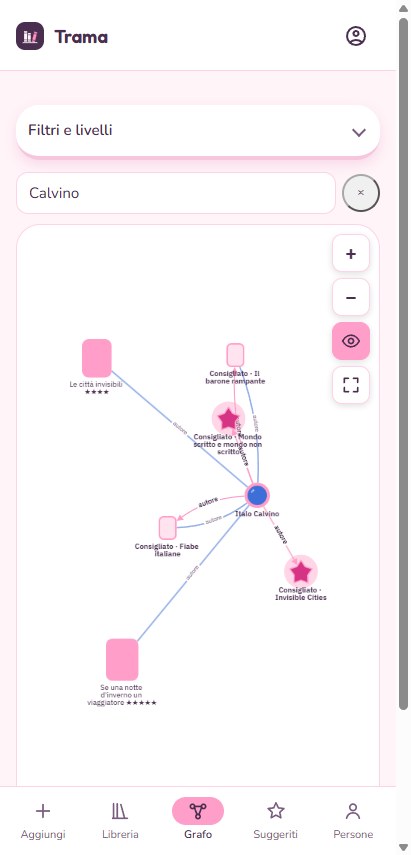
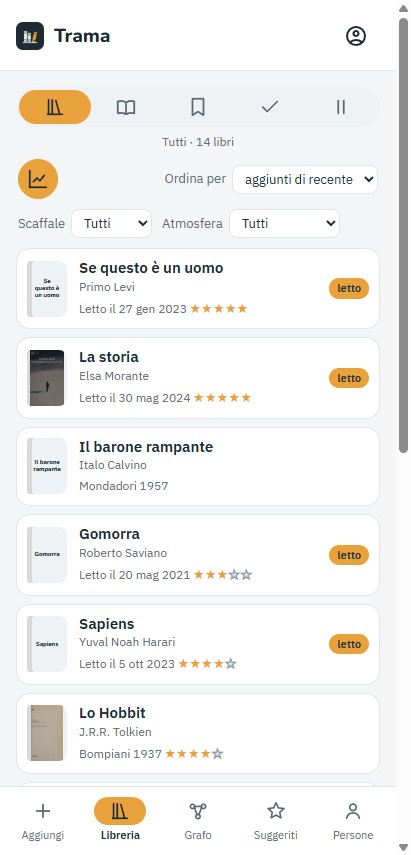
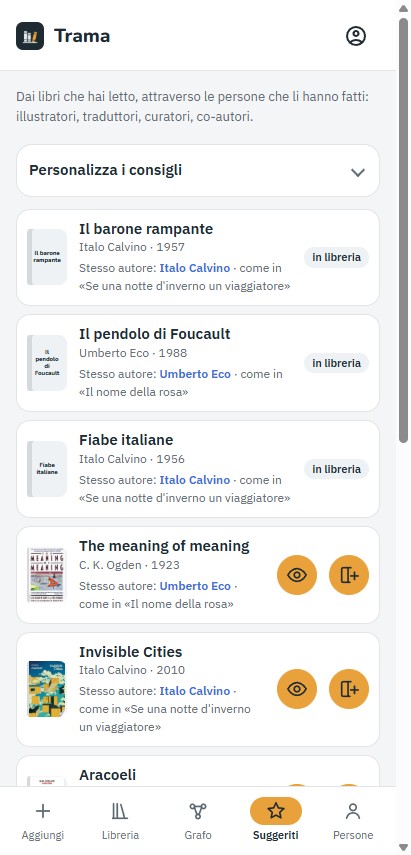
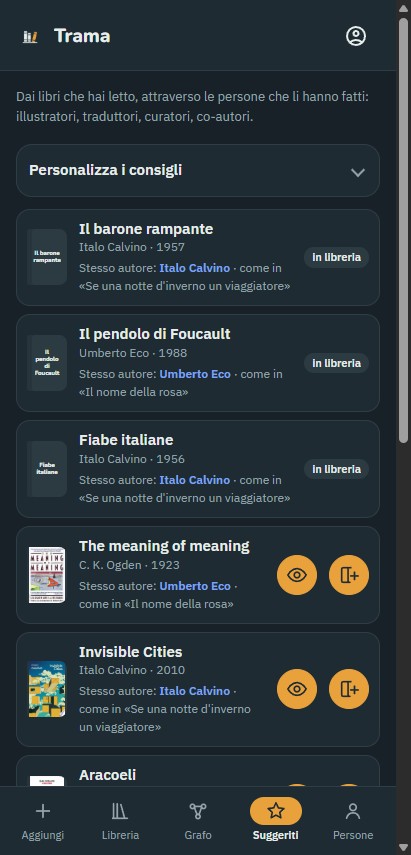
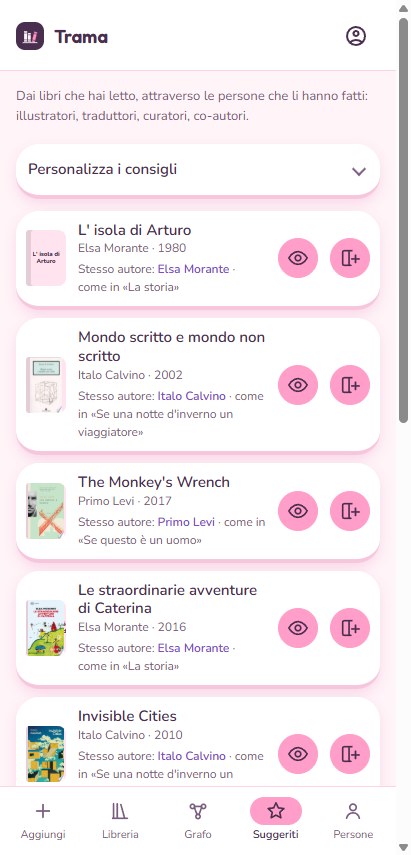
Snap a book cover and Trama recognises the title and the people who made it: not just the author, but whoever illustrated, translated or edited it. It links them in a graph with the books you already have and, when you finish one, suggests what to read next, always telling you why.
- Every role counts
- Authors, illustrators, translators and editors, read from the cover: the people catalogues often forget.
- A graph that grows
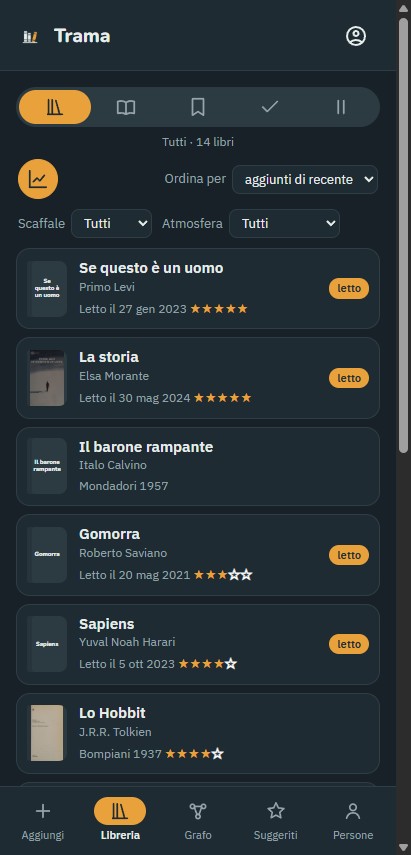
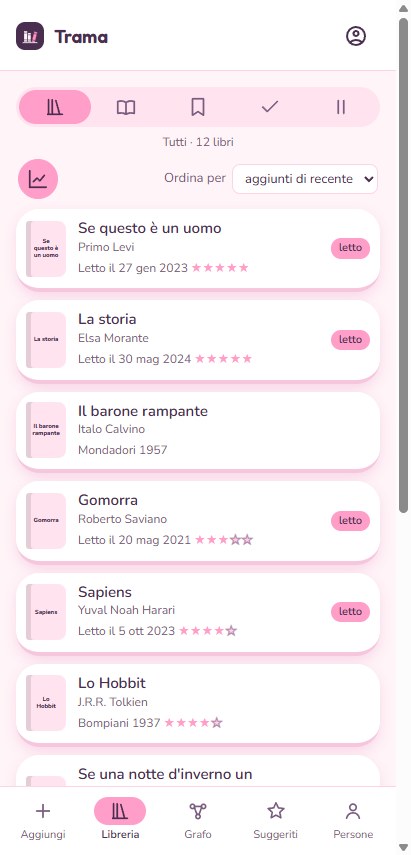
- Each person links their books: the ones you have read in gold, suggestions from the illustrators and translators you liked.
- Works offline too
- With the Android app the photo stays on your phone and uploads by itself as soon as you're back online. On the server it's encrypted, with no hidden data.
Crocevia
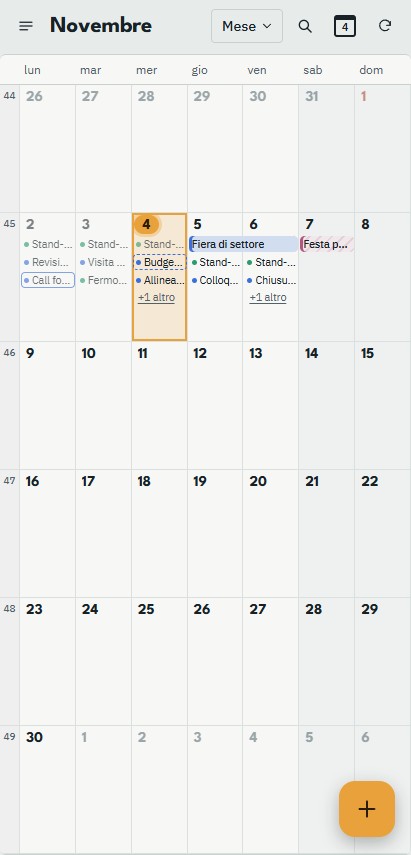
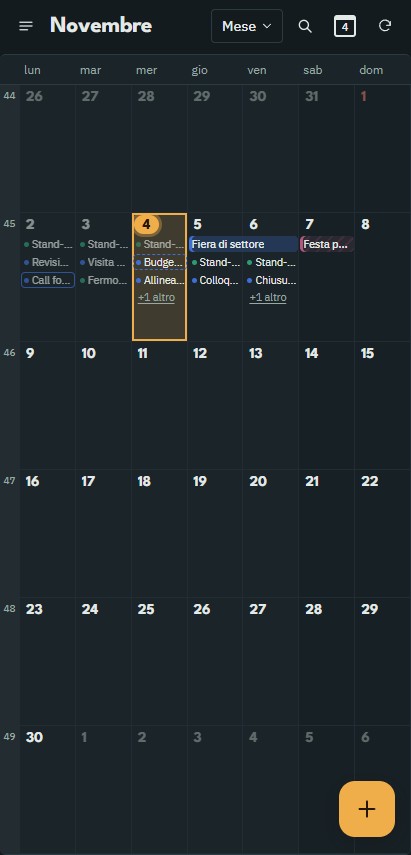
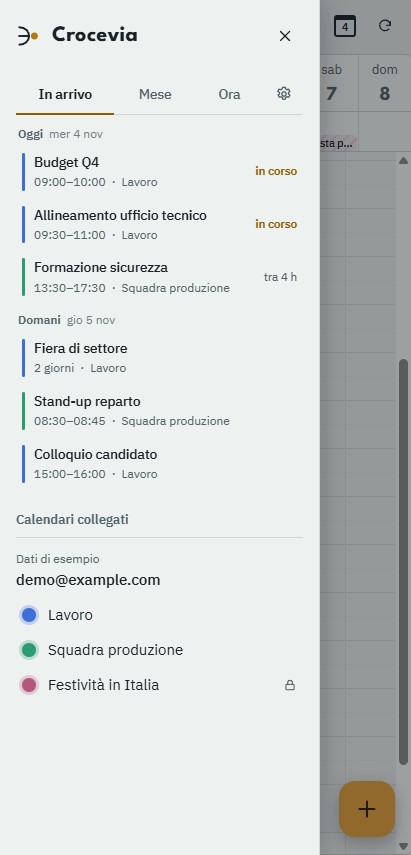
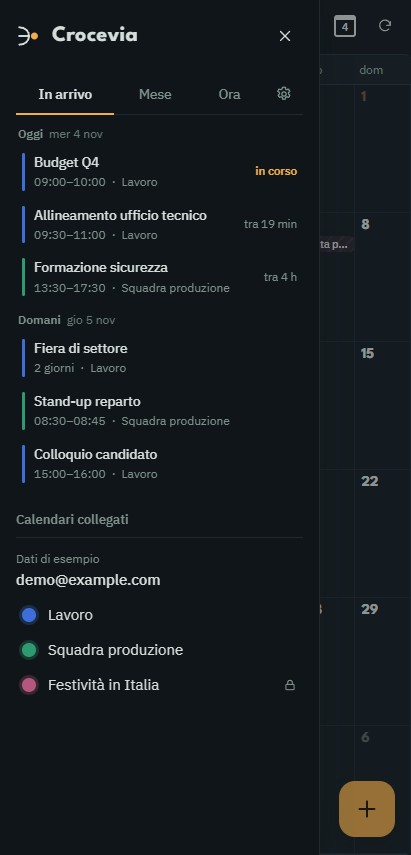
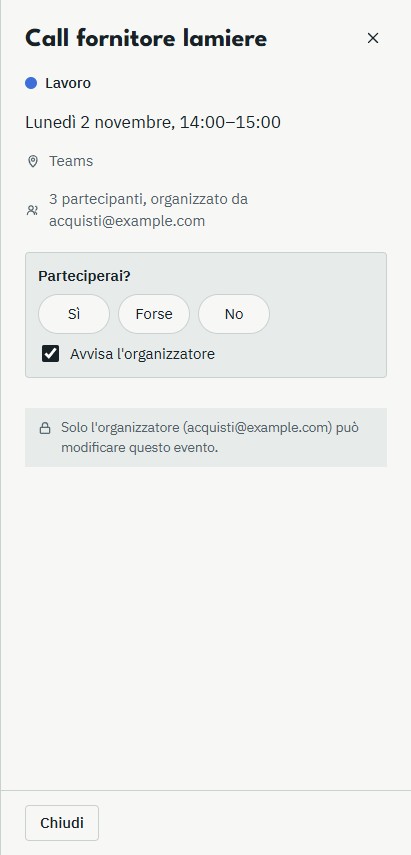
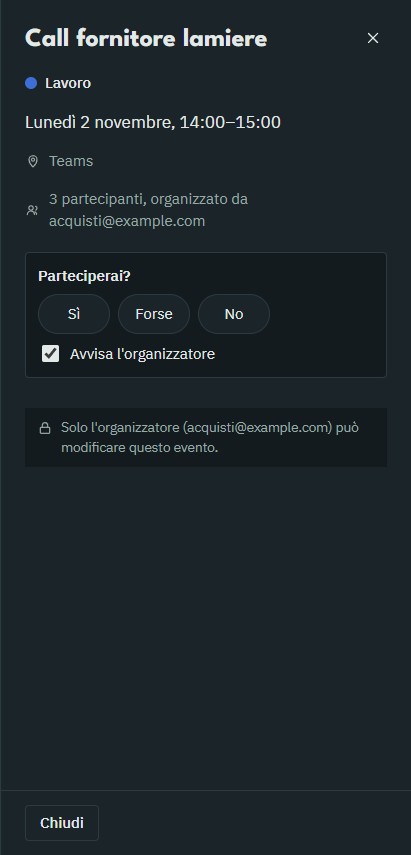
One agenda for your Google and Microsoft 365 calendars. See all your appointments together and create, move or delete events right here. Every change goes straight to the original calendar: Crocevia keeps no copies.
- Google and Microsoft 365 together
- Connect your accounts and see all your calendars in the same view. Read-only ones, like public holidays, show a padlock.
- Five views
- Day, week, month, agenda and year, with week numbers and search by text or by person.
- On your phone
- The Android app has Agenda and Month widgets and event reminders, and it works offline too.
Work
Teamwork, in plain sight.
Notes and tasks on shared boards, with people, statuses and the Gantt chart.
Risma
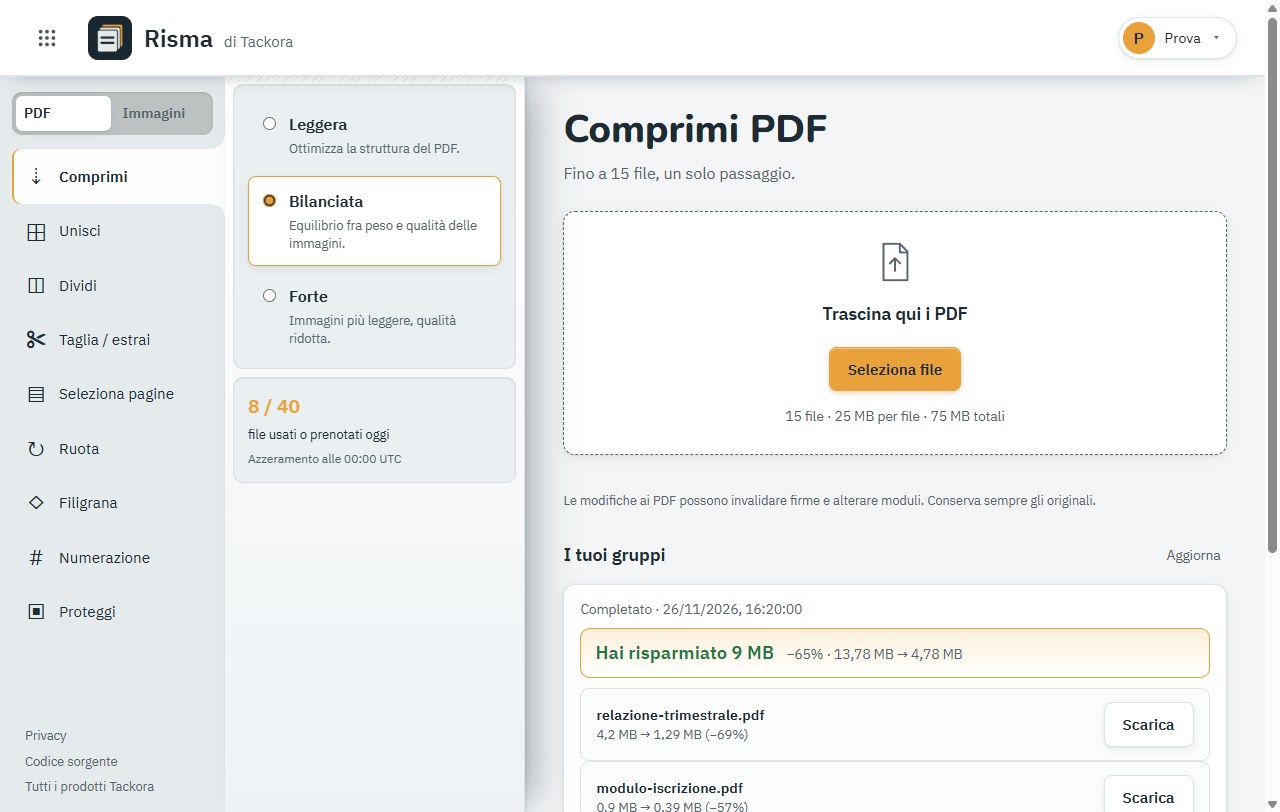
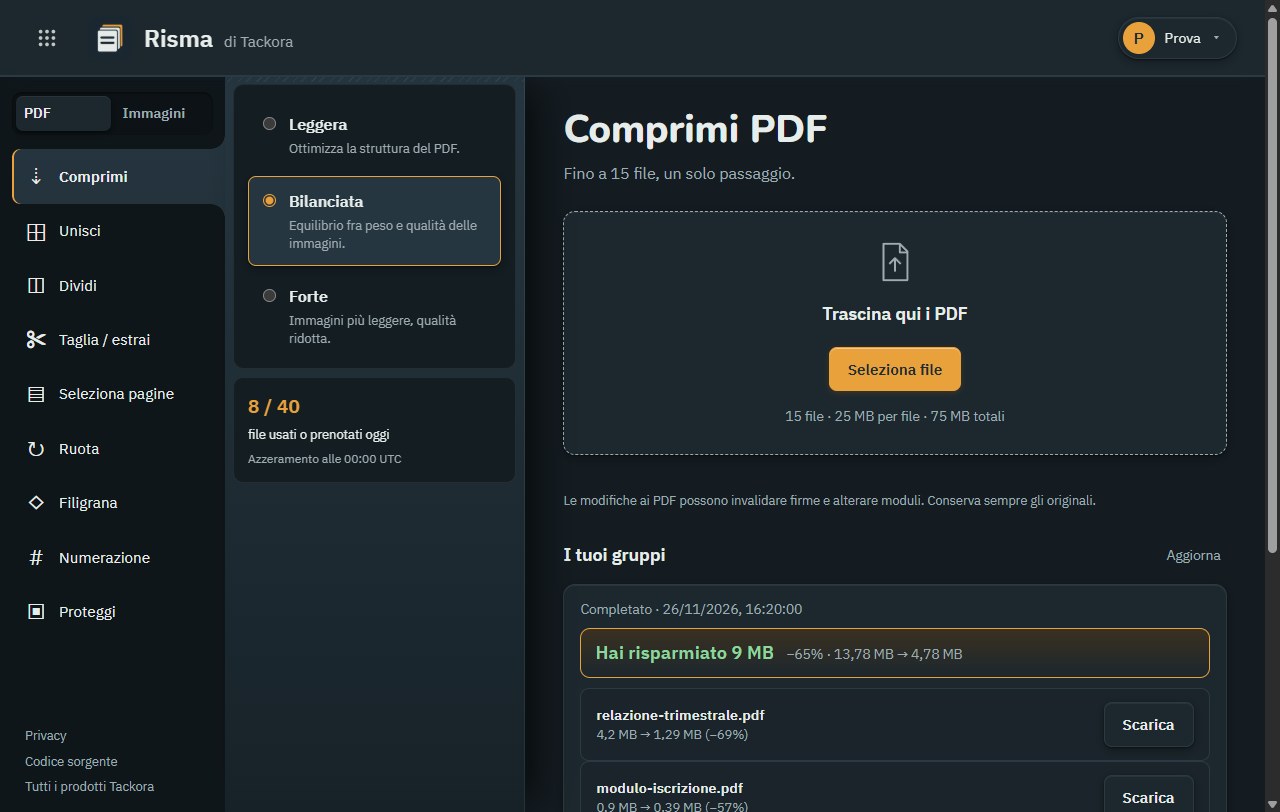
Lighter PDFs and images, right from your browser. The new Tackora portal is built to compress several files at once, organise pages and resize photos. Sign in with your Tackora Account or Google to process your files within the free limits.
Notes
Shared boards made of notes, and each note has its own task list. Assign tasks with @person, follow them until they're done and move closed notes to a separate area. The same tasks can also be viewed as a Gantt chart.
Notes - Board–▢✕Elena···
Suppliers···
Marta···
SERVER···
NETWORK···
Paolo···
Chiara···
Phone system···
Roberto···
Me···
Gantt · Office
Drag a bar to move it; drag its edges to resize it.
Right-click on tasks: copy, status and delete. The export includes the board's whole timeline.
- Notes and tasks
- Each note holds a task list. Assign tasks to a person and filter them by status: open, done or cancelled.
- The board's Gantt chart
- Tasks with a date become bars you move and stretch by dragging. The Gantt chart can be exported.
- Multiple workspaces
- One account for work and personal projects. Sign in with email and password, with Microsoft or with Google.
Play
When it's time to unwind.
Tackora's games: short sessions on your phone or in the browser. No ads and no pay-to-win.

Levante
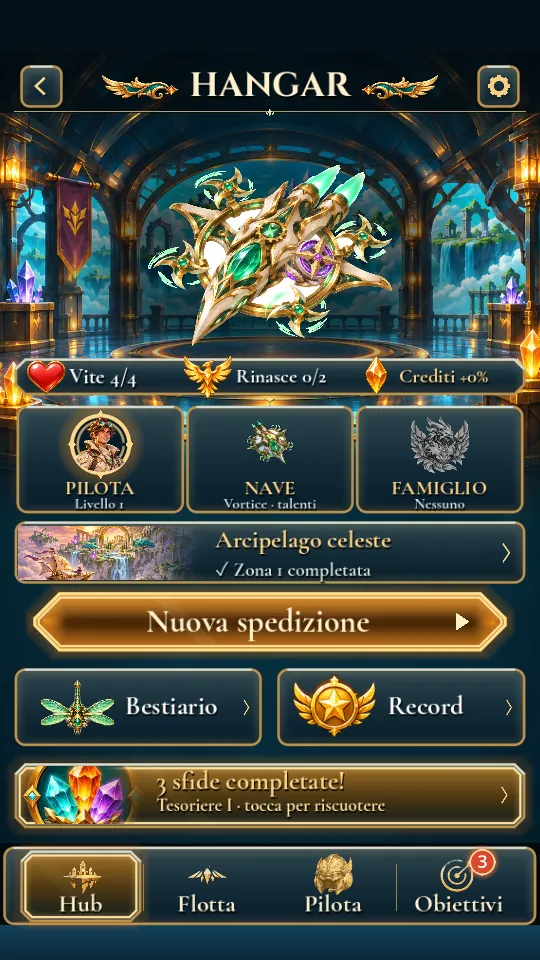
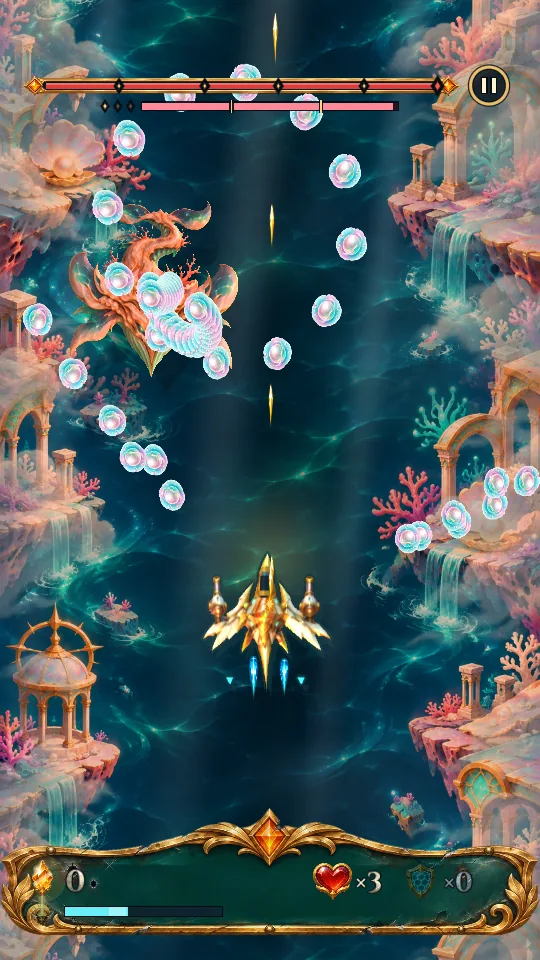
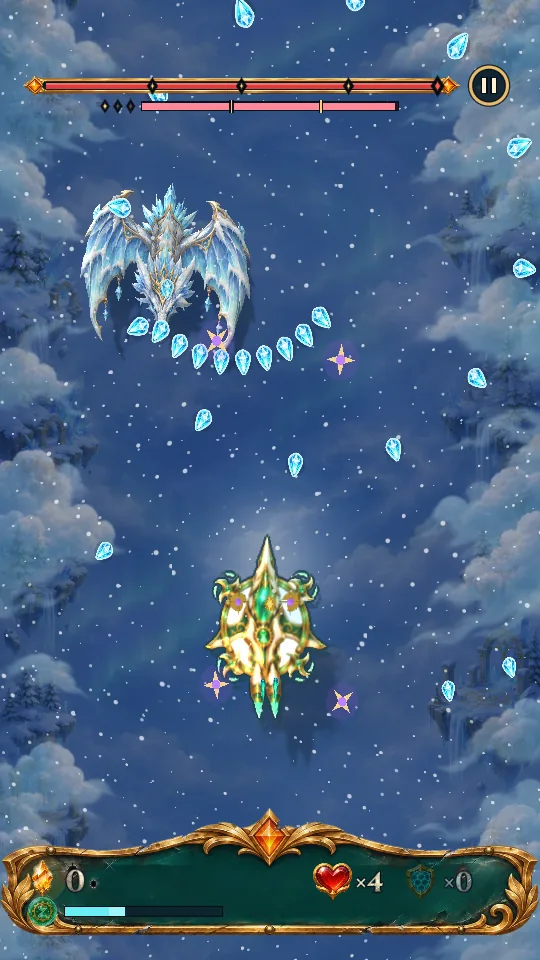
A roguelite vertical shooter: pilot a crystal ship among floating islands, dodge with one finger, and your ship grows with every expedition. Five ships with their own talent trees, seven worlds each with its own Guardian and, once you have beaten them, an endless mode to beat your own record.
- One finger in command
- The ship fires on its own: you pick the path, dodge and decide how much to risk.
- Ships that grow
- Talents, weapons and companions. The other ships are earned by playing, never by paying.
- Works offline too
- You can play offline; with the Tackora Account, the same one as the other apps, your progress follows you.

Caleido
Three games to unwind, by thinking or just relaxing. In Paintings you colour by numbers pictures full of detail, one section at a time, and the painting comes to life over the days. In Mosaics you solve colour nonograms with pure logic. In Ciphers you uncover the proverb hidden behind the numbers, in Italian, English or French.
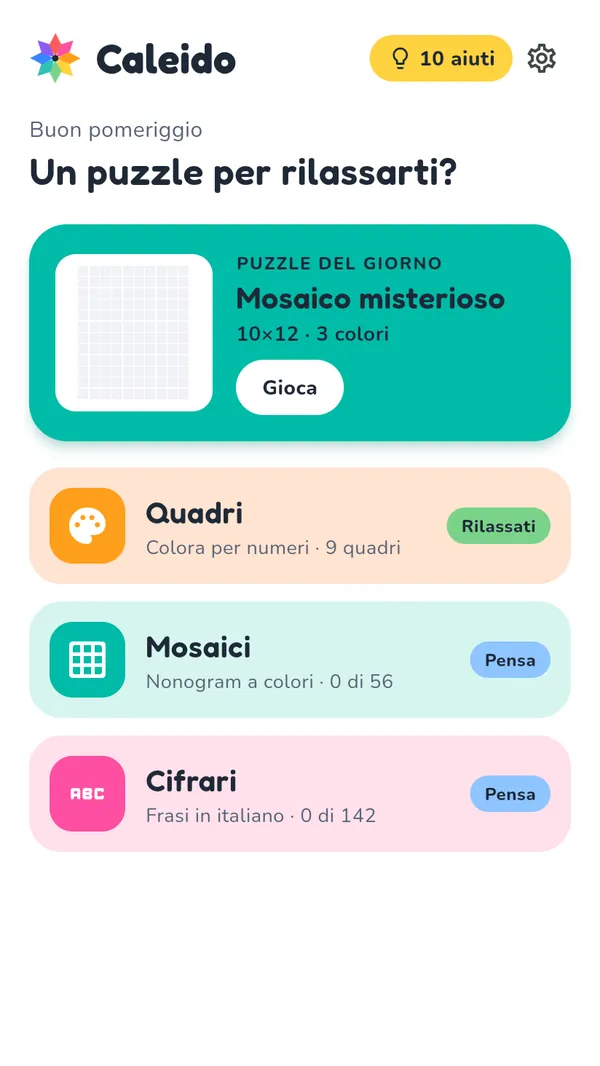
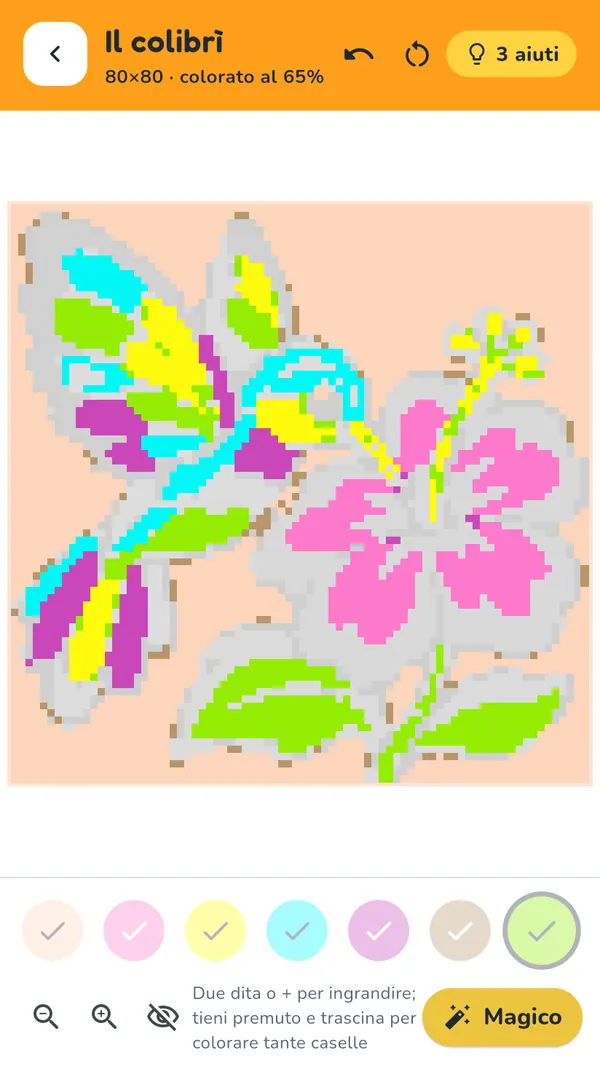
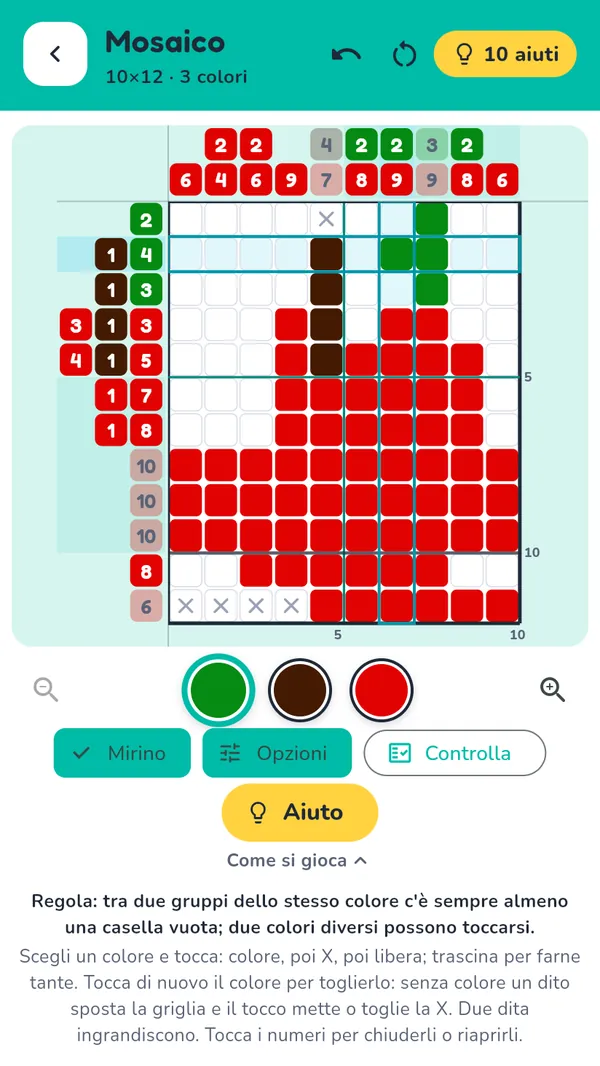
- Think or relax
- Mosaics and Ciphers to get your brain working, Paintings to colour without a care.
- Whenever you like
- Several paintings on the go, picked up whenever: everything is saved with every tap.
- Free, no ads
- Hints are earned by playing, never by paying.
Data and contact
Each app has its own privacy policy. Here's a short summary of what each one keeps. No app sells your data or shows ads.
 Tackora Account
One account (with Google or with email and password) for Ritrovo, Trama, Faro, Caleido, Levante and Risma: it keeps your name, email and the apps you use. At account.tackora.it/elimina you choose which data to delete, app by app or the whole account.
 Notes
What data it keeps and for how long is explained in the privacy policy, along with the rights you can exercise.
 Crocevia
It reads and edits your calendars with the permission you give Google or Microsoft, but keeps no copies of your events. For the app in direct mode it only records name, email, version and days of use. You can revoke access at any time from your account settings.
 Ritrovo
It keeps the link and a preview, never copies of videos or photos. From the app's Settings you can delete your account and all related data.
 Trama
It keeps your books and cover photos, stripped of hidden data (location included) and encrypted per user. Photos are deleted with “Discard”.
 Faro
It keeps the family's deadlines, expenses and documents; documents and receipts are encrypted and receipt photos are deleted after 30 days. No banking or health data.
 Risma
Uploaded files are deleted as soon as the job is done, and the results after one hour. Only the operations log remains (file name, operation, outcome, sizes) for 400 days, never the content.
 Caleido
Without an account it collects no name or email: your progress stays on the device. With an account it saves your progress so you can pick it up on your phone and in the browser. It only counts app opens and games, anonymously.
 Levante
Without an account, saves stay on the device. With an account it saves your game in the cloud, so you can play on several devices, one at a time. Visits are counted anonymously.
For questions, problems or data requests, write to support@tackora.it.